How to Pasaload TNT / Share-a-Load?
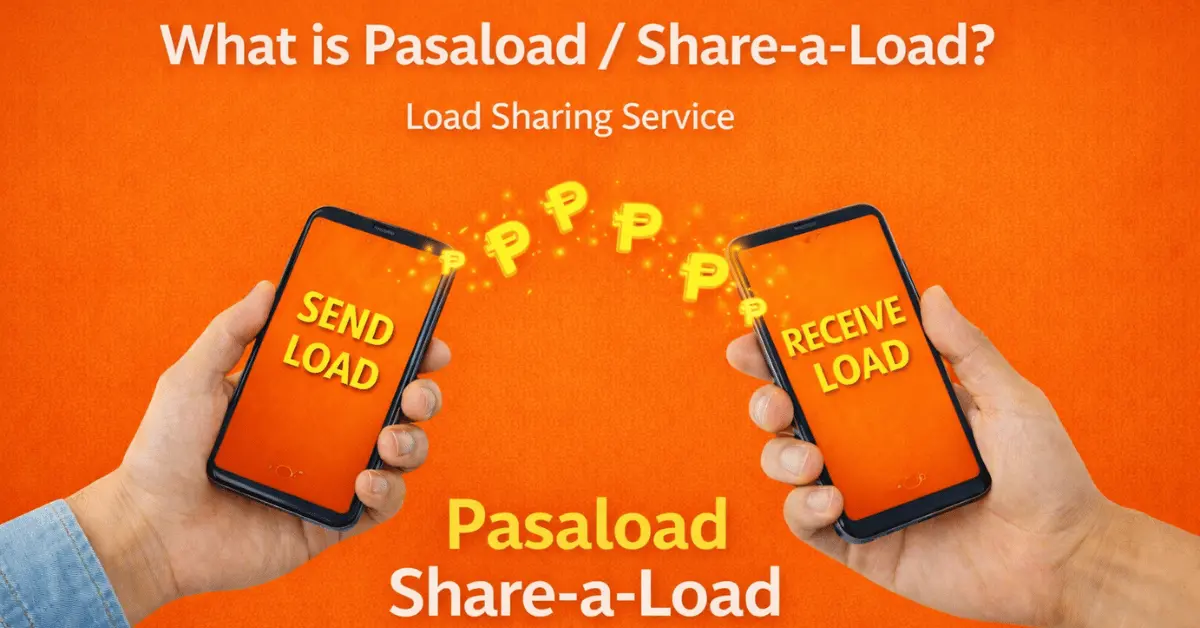
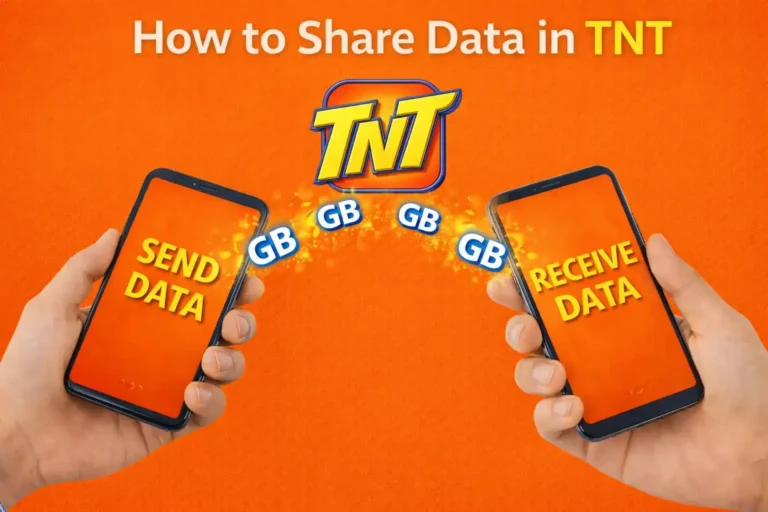
Pasaload, or share-a-load, refers to transferring a portion of your mobile load to another prepaid user on the same network. Instead of buying a new load card, you can simply send load from your existing balance. Typically, a sender pays a small fee, often P1, for the amount transferred. This feature is commonly used in emergencies when someone is currently out of load and needs to call and text urgently. Pasaload is fast, secure, and authentic and is processed instantly.
How to Pasaload TNT Using the Smart App (formerly GigaLife)
The easiest way to pasaload on TNT is through the Smart App (formerly GigaLife), which is the official app of Smart and TNT. You can download it on Google Play for Android devices, the Apple App Store for iOS, or the App Gallery for Huawei devices without Google Mobile Services. The Smart App (formerly GigaLife) allows users to manage load promos and transactions digitally.
After that, sign up for an account using your Smart or TNT mobile number, and make sure you have enough load balance to pass on prepaid load credits to other prepaid users.
Before you pasaload, make sure you have
- An active TnT SIM
- Smart App (formerly GigaLife) installed
- Stable internet connection
- Enough load balance
How to Create an Account on the Smart App (formerly GigaLife)
- Log in to your Smart App (formerly GigaLife)
- Click on the “Pasa” menu at the bottom part of the interface.
- Under the friends tab, you can send a load to your linked accounts and favorite up to 10 contacts or manually enter the recipient’s mobile number.
Pasaload via the Smart App (formerly GigaLife) (Step-by-Step)
Step 1 – Open the Smart App (formerly GigaLife)
Launch the app and log in with your TnT number, and verify with OTP.
Step 2 – Tap “Share Load” / “Pasaload”
Find this option in the main menu.
Step 3 – Enter the Recipient’s Number
Type the TnT number carefully.
Step 4 – Choose Amount
Choose the amount you want to send.
Step 5 – Confirm Transaction
Tap confirm and enter PIN if required.
Step 6 – Success Message
Both sender and receiver get SMS confirmation instantly.
Pasaload Denominations through the Smart App (formerly GigaLife)
- P50 (valid for 30 days)
- P100 (valid for 30 days)
- P200 (valid for 60 days)
- P300 (valid for 60 days)
- P500 (valid for 60 days)
- P1000 (valid for 60 days)
Carrier-by-Carrier: How (or Whether) You Can Pasaload
Different networks have different pasaload rules.
- TNT – yes, pasalod is allowed via the Smart App (formerly GigaLife) and sim menu
- Smart – Yes, pasalod is available through the Smart App (formerly GigaLife) and the SIM menu.
- Sun (Smart-owned)—limited or merged with Smart services
- Globe – use a similar service, but it is not called pasaload.
- DITO – The pasaload feature is limited or unavailable.
The best option for TNT users is always the Smart App (formerly GigaLife).
Pasaload via Smart/TNT/Sun SIM Menu
If you don’t want to use the app, you can pasaload using your SIM menu.
- Go to SIM toolkit/smart menu on your phone.
- Select share load/pasaload
- Enter recipient number
- Choose amount
- confirm
This method works even without the internet.
Conclusion
Pasaload is one of the most useful features for TnT users; whether through the Smart App (formerly GigaLife) or SIM menu, you can easily share pasaload in seconds.
The Smart App (formerly GigaLife) method is the best and most reliable, especially in 2025 AND 2026; it’s safe, instant, and beginner-friendly. Every TnT user should know how to use Pasaload to stay connected and help people when needed.