Smart Now Verifies TNT SIM Registration With Your National ID — in Under a Minute
What changed on 5 November 2026
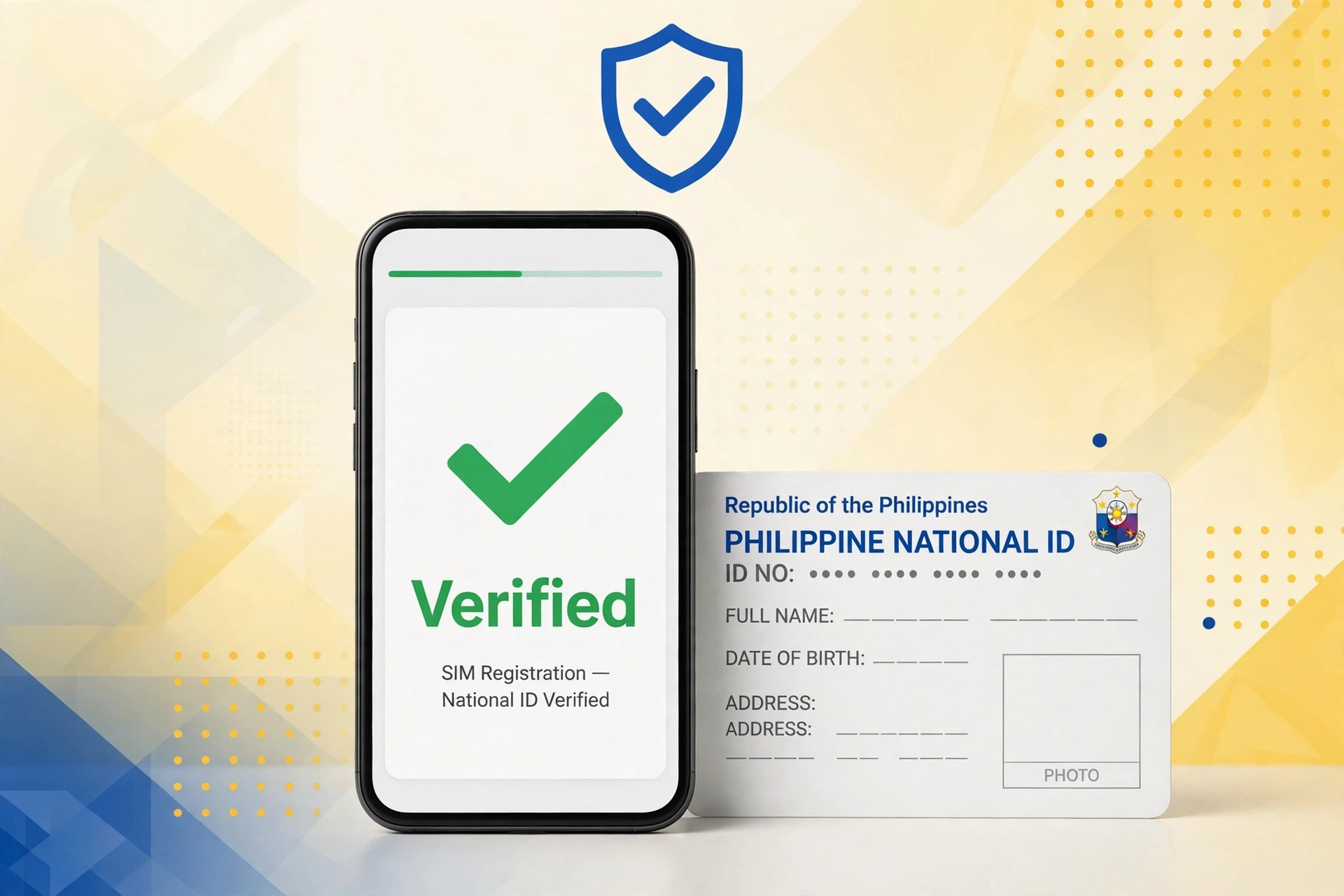
Smart Communications has become the first mobile operator in the Philippines to integrate the Philippine Statistics Authority’s National ID Authentication Services into SIM registration. The integration was announced on 5 November 2026. It covers Smart Prepaid and TNT subscribers. TNT SIM registration National ID verification uses the PSA’s National ID eVerify platform to check the details a subscriber enters against the official National ID registry.
TNT SIM registration National ID check takes under a minute
Subscribers only need to enter their name and take a live selfie on the Smart SIM Registration Portal at simreg.smart.com.ph. Smart says verification time drops from about three minutes to under one minute. The check improves the accuracy of subscriber records and supports the SIM Registration Act (Republic Act No. 11934), which aims to prevent scams and fraud linked to SIM misuse. PLDT Chief Operating Officer Butch Jimenez, Jr. said the integration makes registration simpler while strengthening safeguards against identity fraud. Smart First Vice President Lloyd Manaloto said it improves the registration journey while protecting subscribers’ security and privacy.
How to register your TNT SIM with your National ID
Enter your TNT mobile number and verify it with the OTP sent by text.
Enter your name exactly as it appears on your National ID.
Take a live selfie when the portal asks for it.
PSA National ID eVerify checks the details against the National ID registry.
Save the confirmation or reference number the portal shows you.
What if you do not have a National ID?
You can still register. The portal shows the ID options available during registration — pick one of the valid government IDs it lists, such as a passport, driver’s license or other accepted ID, and follow the same steps. The National ID route is the fastest option, not the only one.
Why this matters for TNT users
The National ID system was established under Republic Act No. 11055 (the Philippine Identification System Act). PSA Assistant Secretary Rosalinda Bautista said the National ID builds trust and enables simpler, more secure digital services. For TNT SIM registration National ID verification, the practical change for TNT subscribers is simple: fewer fields to fill, a faster check, and a record that matches the official registry.
Frequently Asked Questions
This site is an independent guide to TNT SIM registration and is not affiliated with Smart Communications, TNT, or any government agency. Register only through the official Smart SIM Registration Portal at simreg.smart.com.ph, the Smart App, or a Smart Store. For help, call *888 or (02) 8888-1111.